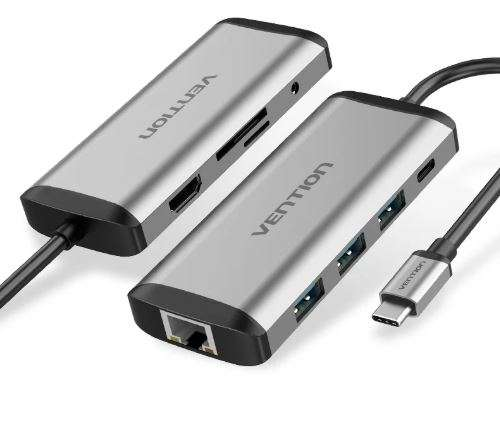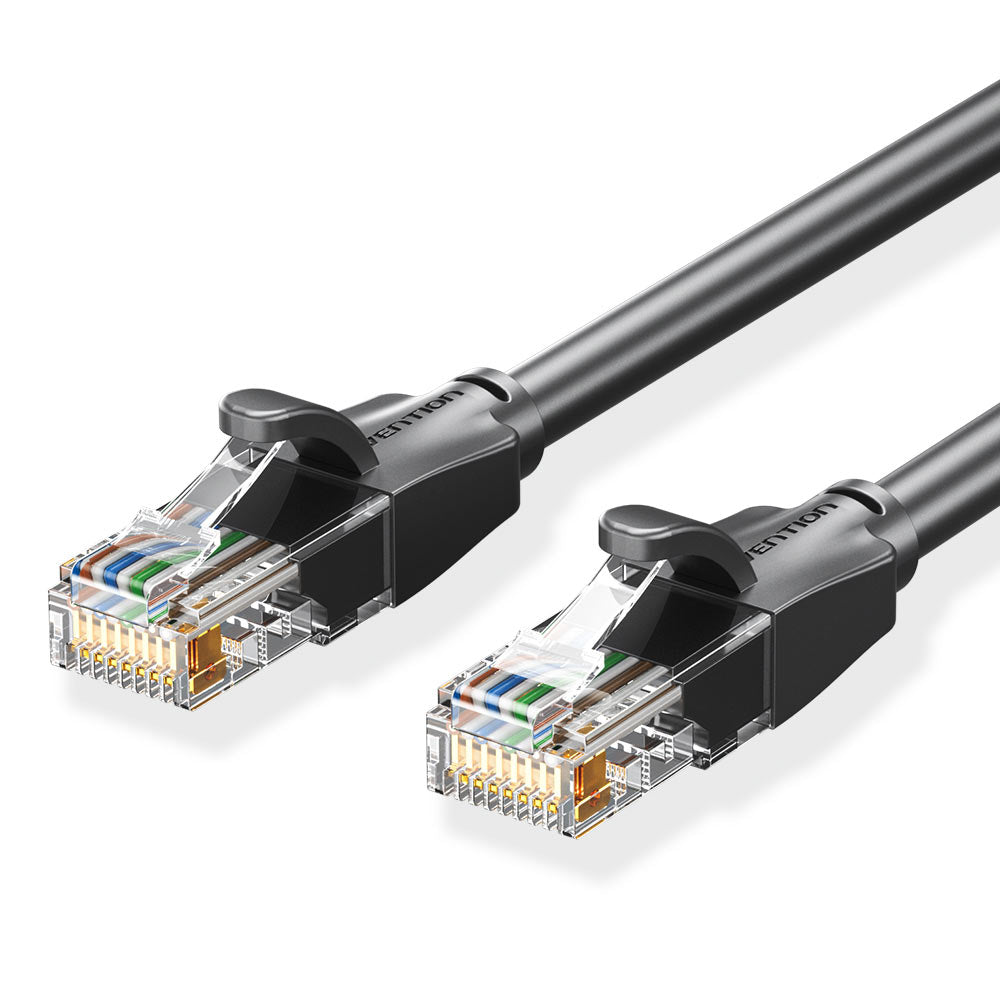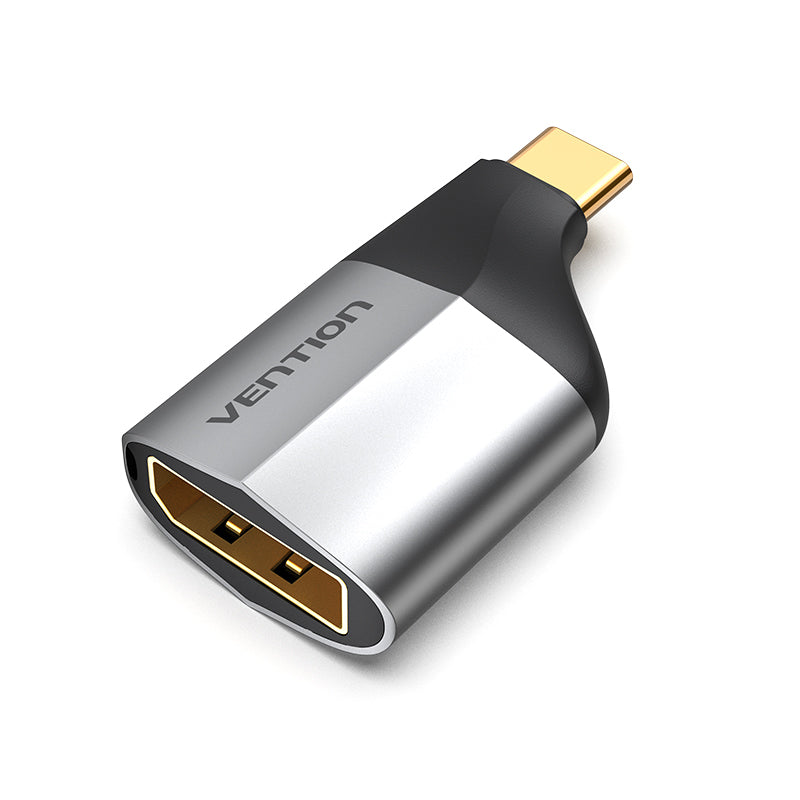

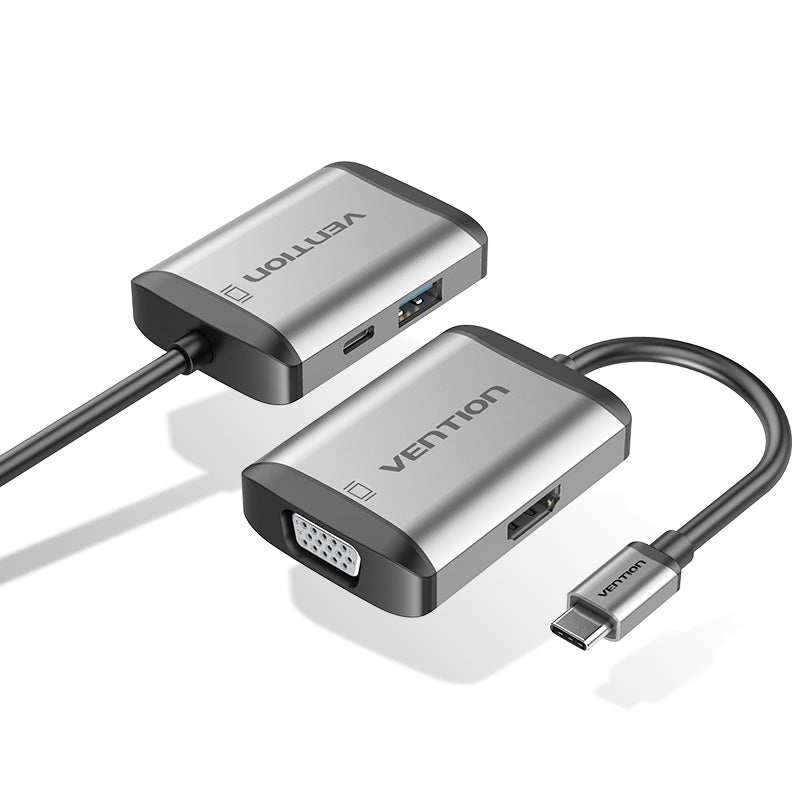
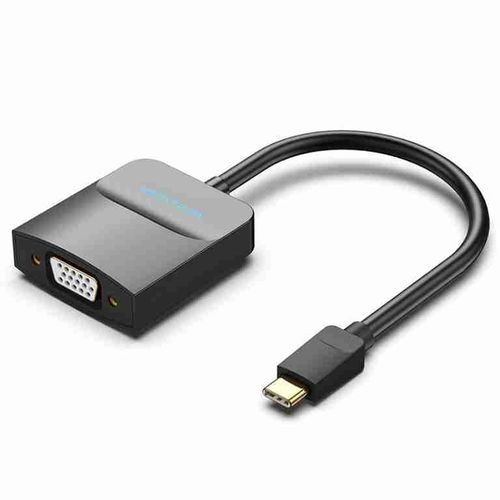
Vention USB-C to HDMI Converter 0.15M Gray Aluminum Alloy Type
The Vention USB-C to HDMI Converter provides a compact solution for connecting USB-C equipped devices to HDMI displays and projectors. This 0.15-meter adapter enables reliable video transmission up to 4K resolution for professionals working with laptops, tablets, and smartphones. The aluminum alloy construction ensures durability while maintaining a lightweight, portable form factor ideal for mobile workstations and presentation environments.
USB-C to HDMI Converter Key Features & Benefits
- 4K Video Output Support: Delivers crisp video quality up to 3840×2160 at 30Hz, ensuring your presentations and content display with professional clarity on modern displays
- Plug-and-Play Compatibility: Works instantly with USB-C devices without driver installation, eliminating setup delays when connecting to external monitors or conference room displays
- Aluminum Alloy Housing: Provides superior heat dissipation and physical protection compared to plastic alternatives, extending adapter lifespan in frequent-use scenarios
- Compact 0.15M Cable Length: Reduces cable clutter while maintaining flexibility for connecting nearby displays, perfect for desk setups and portable workstations
- Universal HDMI Connectivity: Interfaces seamlessly with any HDMI-equipped monitor, projector, or television, making it versatile across different presentation venues
USB-C HDMI Adapter Technical Specifications
Video Performance
- Maximum Resolution: 4K (3840×2160) at 30Hz
- Supported Resolutions: 1080p, 1440p, 2160p
- Color Depth: 24-bit RGB
- Refresh Rate: 30Hz at 4K, 60Hz at 1080p
Physical Characteristics
- Cable Length: 0.15 meters (approximately 6 inches)
- Housing Material: Aluminum alloy with anodized gray finish
- Connector Type: USB-C (male) to HDMI (female)
- Weight: Approximately 25 grams
- Dimensions: 50mm × 15mm × 10mm (connector housing)
Compatibility & Standards
- USB-C Standard: USB 3.1 Gen 1 compliant
- HDMI Version: HDMI 1.4
- DisplayPort Alt Mode: Required on source device
- Operating Temperature: 0°C to 45°C
- Storage Temperature: -20°C to 60°C
USB Type-C to HDMI Applications & Use Cases
Business Presentations Corporate professionals frequently use this converter to connect laptops to conference room projectors and displays. The compact design fits easily in laptop bags alongside other presentation materials. Furthermore, the plug-and-play functionality eliminates technical setup time when switching between different meeting spaces.
Mobile Workstation Setup Remote workers benefit from extending laptop displays to larger monitors for improved productivity. The short cable length keeps desk areas organized without excess cabling. Additionally, the aluminum construction withstands daily connection cycles better than plastic alternatives.
Education & Training Instructors and trainers connect tablets or laptops to classroom displays for interactive lessons and demonstrations. The universal HDMI compatibility works across various institutional equipment without adapter compatibility concerns. Consequently, educators can focus on content delivery rather than technical troubleshooting.
Content Review & Collaboration Creative professionals use the converter to share design work, video content, or documents on larger screens during client reviews. The 4K resolution support maintains visual fidelity for detailed work inspection. Moreover, the portable design allows easy transport between office locations and client sites.
USB-C to HDMI Device Compatibility
The Vention USB-C to HDMI Converter requires USB-C ports with DisplayPort Alt Mode functionality. This feature exists on most modern laptops, tablets, and smartphones from manufacturers including Apple, Dell, HP, Lenovo, and Samsung. However, some USB-C ports only support data transfer or charging without video output capabilities.
To verify compatibility, check your device specifications for “DisplayPort over USB-C” or “USB-C with video output” support. Devices like MacBook Pro (2016 and later), Dell XPS series, Microsoft Surface models, and Samsung Galaxy flagship phones typically include this functionality. Additionally, ensure your HDMI display supports your desired resolution for optimal performance.
The adapter provides unidirectional signal conversion from USB-C to HDMI only. It cannot convert HDMI signals to USB-C output. For audio transmission, the device supports HDMI audio passthrough when your source device provides audio through the USB-C connection.