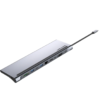
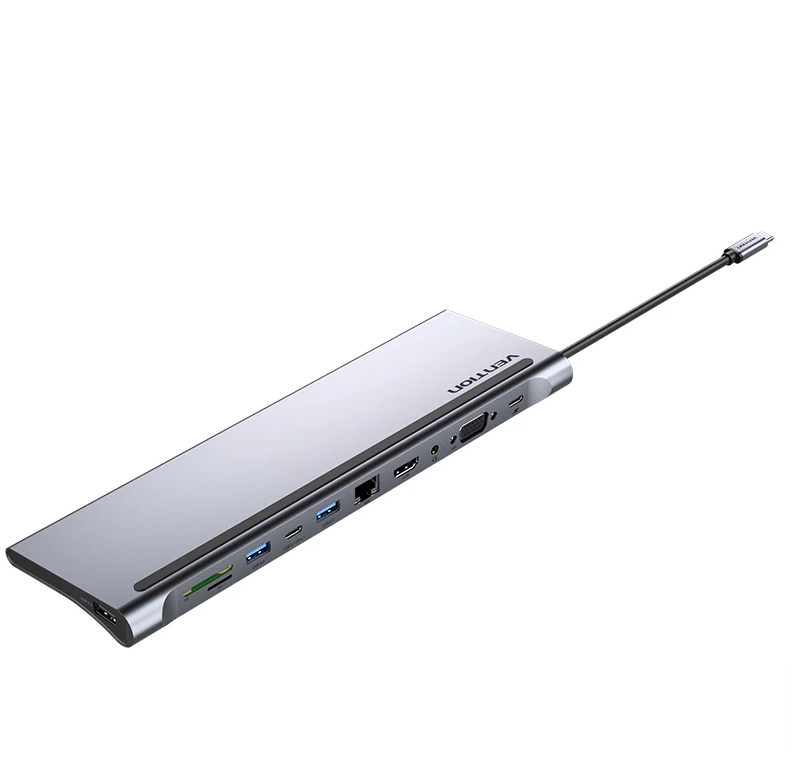
Vention 11-in-1 USB-C Docking Station – HDMI, VGA, USB-C, Ethernet, Audio & PD (0.25M, Gray Metal)
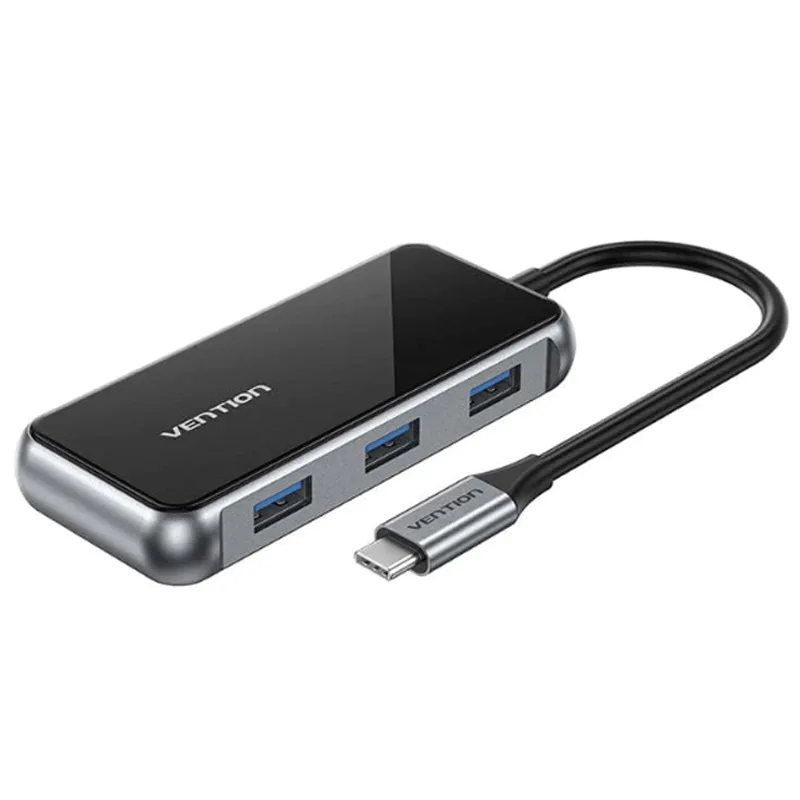
The Vention 11-in-1 USB-C Docking Station combines eleven ports into a single gray metal hub, making it one of the most comprehensive compact docking solutions available. It delivers dual video output, five USB ports (including a downstream USB-C), Gigabit Ethernet, dual card readers, 3.5mm audio, and PD passthrough charging. This multi-function docking station is built for professionals, creatives, and power users who refuse to compromise on connectivity.
Technical Specifications
Ports & Connectivity
| Port | Specification |
|---|---|
| HDMI | 1 × HDMI output (mirror/extend display) |
| VGA | 1 × VGA output (mirror/extend display) |
| USB-C Gen 1 | 1 × downstream, up to 5 Gbps data transfer |
| USB 3.0 | 2 × Type-A, up to 5 Gbps data transfer |
| USB 2.0 | 1 × Type-A, up to 480 Mbps data transfer |
| RJ45 Ethernet | Gigabit LAN (10/100/1000 Mbps) |
| SD Card Slot | 1 × standard SD reader |
| TF Card Slot | 1 × microSD / TF reader |
| 3.5mm TRRS | 1 × combined headphone/microphone audio jack |
| USB-C PD Input | Passthrough charging for host device |
Build & Design
| Spec | Value |
|---|---|
| Cable Length | 0.25 m (approximately 10 inches) |
| Housing Material | Metal alloy |
| Color / Finish | Gray |
| Input Connector | USB Type-C |
| Thunderbolt Compatible | Yes (Thunderbolt 3/4) |
| Total Ports | 11 |
Compatibility
| Platform | Support |
|---|---|
| Operating Systems | Windows, macOS, Chrome OS, Linux |
| Driver Installation | Not required — plug and play |
| Host Requirement | USB-C with DP Alt Mode (for video) and PD (for charging) |
Use Cases & Applications
Full Desktop Replacement Connect a monitor via HDMI, attach a keyboard and mouse through USB 3.0, plug in Ethernet for stable networking, and use the USB-C Gen 1 port for a portable SSD. The Vention 11-in-1 Docking Station effectively transforms a thin ultrabook into a complete workstation. Meanwhile, PD passthrough keeps your laptop charged throughout the day.
Presentations Across Any Venue Conference rooms with HDMI displays, lecture halls with VGA projectors — this hub handles both. Additionally, the 3.5mm TRRS jack lets you connect external speakers or a headset for clear audio during presentations and video calls.
Content Creation & Media Workflows Import RAW photos from SD cards and drone footage from TF cards without switching readers. Transfer completed projects to external storage through USB 3.0 or the downstream USB-C port at up to 5 Gbps. For instance, moving a 20 GB project folder takes roughly 32 seconds at peak speed.
Hybrid & Remote Work Gigabit Ethernet provides the stable, low-latency connection that video conferencing demands. Consequently, dropped calls and buffering become far less frequent compared to Wi-Fi. The TRRS audio jack adds a dedicated headset connection, keeping your workspace organized.
Travel & Mobile Setups Despite offering eleven ports, this docking station remains portable. The 0.25 m cable offers more placement flexibility than shorter alternatives, making it easier to position the hub comfortably on crowded desks, café tables, or airplane tray tables.



 No products in the cart.