

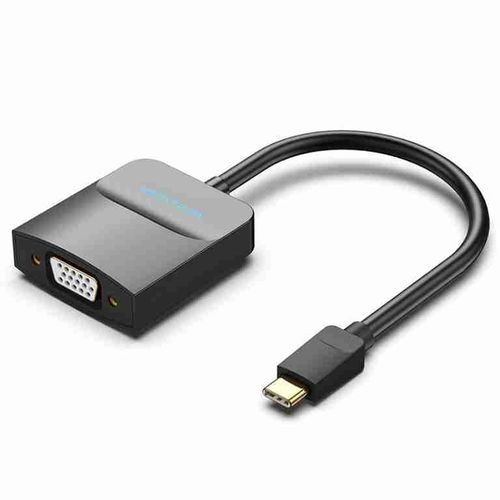
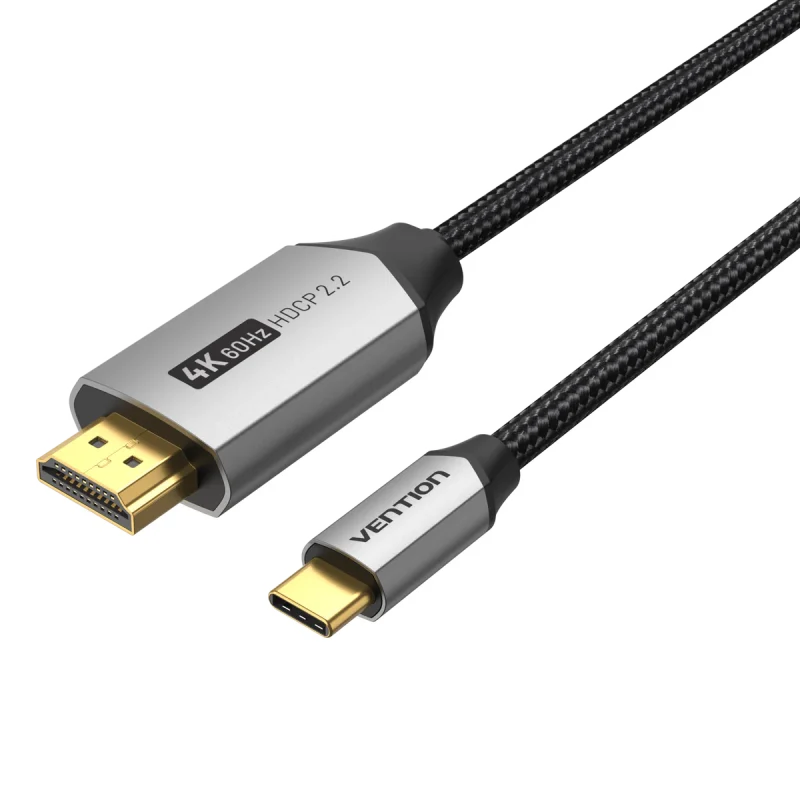
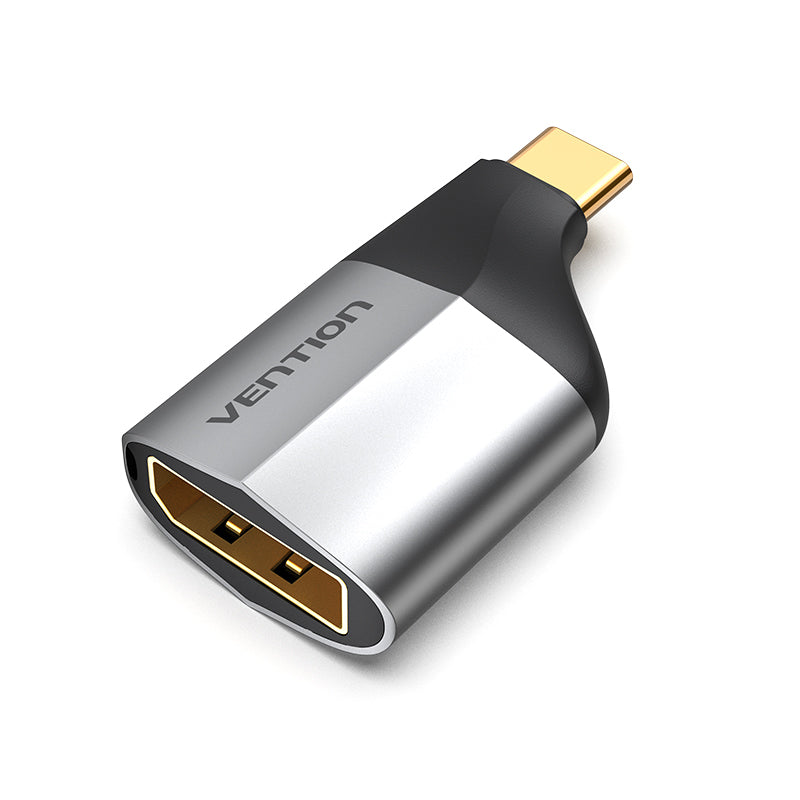
Vention Type-C to HDMI Adapter 0.15M Black ABS Type
Meta Description: Vention Type-C to HDMI Adapter delivers 4K video output through compact 0.15M design. Professional-grade ABS construction ensures reliable connectivity for presentations and multimedia streaming.
Technical Specifications and Performance Capabilities
Core Technical Features
- Video Resolution Support: Up to 4K (3840×2160) at 30Hz, 1080p at 60Hz
- Cable Length: 0.15 meters (15 centimeters)
- Connector Types: USB Type-C male to HDMI female
- Housing Material: ABS (Acrylonitrile Butadiene Styrene) plastic
- Power Requirements: Bus-powered through USB Type-C connection
- Compatibility Standard: DisplayPort Alternate Mode required
- Operating Temperature: 0°C to 50°C
- Bandwidth Support: Up to 10.2 Gbps
Connection Protocol Requirements
The Vention Type-C to HDMI Adapter functions exclusively with USB Type-C ports that support DisplayPort Alternate Mode (DP Alt Mode). This protocol enables video signal transmission through the Type-C connector’s high-speed data lanes. Not all USB Type-C ports include this capability—charging-only ports or data-transfer-only ports will not work with this adapter. Users should verify their device specifications confirm DP Alt Mode support before purchasing.
Deployment Scenarios and Practical Applications
Professional Presentation Environments
Business professionals requiring reliable external display connectivity will find the Vention Type-C to HDMI Adapter particularly effective for:
- Conference Room Presentations: Connecting MacBook Pro, Dell XPS, HP Spectre, and other Type-C laptops to projectors and large-format displays
- Client Meetings: Quick setup for product demonstrations and sales presentations without fumbling with multiple adapters
- Multi-Monitor Workstations: Extending desktop workspace to secondary monitors for increased productivity in graphic design and financial analysis roles
The 0.15M cable length proves optimal for these scenarios—long enough to avoid strain on laptop ports while short enough to prevent cable management issues on conference tables and standing desks.
Home Entertainment and Media Consumption
Home users benefit from this adapter when:
- Streaming Content: Mirroring smartphone or tablet screens to televisions for YouTube, Netflix, and other streaming services
- Photo Sharing: Displaying digital photographs from mobile devices during family gatherings
- Gaming: Connecting gaming laptops to larger monitors for improved visual experience
Educational Settings
Educators and students utilize this connectivity solution for:
- Classroom Instruction: Teachers connecting tablets to smart boards and projectors for interactive lessons
- Student Presentations: Quick connection setup for group project presentations
- Online Learning: Content creators recording tutorials while monitoring output on external displays
Installation and Setup Procedures
Initial Connection Process
- Verify Port Compatibility: Confirm your device’s USB Type-C port supports DisplayPort Alternate Mode (check manufacturer specifications)
- Connect HDMI Cable: Attach your HDMI cable to the adapter’s female HDMI port
- Insert Type-C Connector: Plug the adapter’s Type-C connector into your source device
- Automatic Detection: Most operating systems automatically detect the external display within 3-5 seconds
Display Configuration
Windows Systems:
- Press Windows + P to access projection modes
- Select “Duplicate” for mirrored display or “Extend” for additional workspace
- Adjust resolution through Settings > System > Display if needed
macOS Systems:
- Open System Preferences > Displays
- Configure arrangement and mirroring options
- Resolution adjusts automatically based on connected display capabilities
Android Devices:
- Many devices automatically mirror the screen upon connection
- Some manufacturers require enabling “HDMI output” in display settings
Troubleshooting Common Connection Issues
No Signal Detection:
- Verify the USB Type-C port supports video output (not all Type-C ports include this feature)
- Test with a different HDMI cable to eliminate cable failure
- Restart both the source device and display
- Check for firmware updates on your laptop or tablet
Intermittent Signal Loss:
- Inspect the Type-C connector for debris or damage
- Ensure the adapter is fully seated in the port
- Test with a different Type-C port if available
- Reduce electromagnetic interference from nearby wireless devices
Limited Resolution Options:
- Update graphics drivers to current versions
- Verify the connected display supports desired resolution
- Check HDMI cable specifications (older cables may not support 4K)
Construction Quality and Durability Analysis
ABS Housing Design
The Vention Type-C to HDMI Adapter utilizes ABS plastic construction rather than aluminum or premium materials. This design choice offers specific advantages:
Impact Resistance: ABS plastic provides excellent shock absorption, protecting internal circuitry from drops up to 1.2 meters onto hard surfaces—a common occurrence in mobile work environments.
Weight Optimization: The adapter weighs approximately 18 grams, reducing strain on laptop ports compared to heavier metal alternatives. This lightweight design prevents connector damage over extended use periods.
Thermal Performance: ABS dissipates heat adequately for the adapter’s power requirements. During typical operation at 1080p resolution, the housing remains cool to touch. Extended 4K video transmission may generate mild warmth but stays within safe operating parameters.
Connector Durability Expectations
The Type-C connector is rated for approximately 10,000 insertion cycles before mechanical wear affects connection reliability. For users connecting and disconnecting daily, this translates to roughly 27 years of service life. The HDMI port shows similar durability characteristics.
Cable strain relief at both connector points prevents premature wire fatigue. The 0.15M length reduces leverage forces that can damage ports on source devices.
Performance Analysis Across Video Resolutions
4K Output at 30Hz
When connected to 4K displays, the Vention Type-C to HDMI Adapter delivers 3840×2160 resolution at 30 frames per second. This configuration suits:
- Static content presentations with minimal motion
- Document editing and spreadsheet work
- Photo editing where color accuracy matters more than refresh rate
The 30Hz refresh rate creates noticeable motion blur during video playback and appears choppy for gaming applications. Users requiring smooth motion should operate at 1080p resolution instead.
1080p Output at 60Hz
At 1920×1080 resolution, the adapter supports 60Hz refresh rates, providing:
- Smooth video playback without judder
- Acceptable gaming performance for casual titles
- Professional video editing with accurate motion preview
This represents the optimal balance between image quality and performance for most business and educational applications.
Compatibility with Older Display Standards
The adapter maintains backward compatibility with 720p (1280×720) displays and lower resolutions. Automatic resolution negotiation ensures proper output regardless of connected display capabilities.
Device Compatibility Landscape
Confirmed Compatible Devices
Laptops and Ultrabooks:
- MacBook Pro (2016 and newer with Thunderbolt 3/4)
- MacBook Air (2018 and newer)
- Dell XPS 13/15 series with DP Alt Mode
- HP Spectre, Envy, and EliteBook models
- Lenovo ThinkPad X1 Carbon and Yoga series
- Microsoft Surface Pro and Surface Laptop with Type-C ports
Tablets:
- iPad Pro (2018 and newer with USB-C)
- Samsung Galaxy Tab S series
- Microsoft Surface Pro X
Smartphones:
- Samsung Galaxy S20/S21/S22/S23 series
- Google Pixel 3 and newer models supporting video output
- OnePlus devices with DP Alt Mode enabled
Compatibility Limitations
Devices Without DP Alt Mode: The Vention Type-C to HDMI Adapter will not function with:
- Charging-only Type-C ports (common on power banks and some tablets)
- Data-only Type-C implementations
- Older Android smartphones without DisplayPort Alternate Mode support
Device-Specific Restrictions:
- Some manufacturers disable video output on certain models
- Budget laptops may include Type-C ports without video capability
- Verify specifications before purchasing if uncertain about device compatibility
Competitive Positioning and Value Assessment
Price-to-Performance Ratio
Retail pricing for the Vention Type-C to HDMI Adapter 0.15M Black ABS Type typically ranges between KES 800-1,500 in the Kenyan market, positioning it in the budget-to-midrange adapter category.
What You Receive:
- Reliable 4K@30Hz and 1080p@60Hz video output
- Durable ABS construction suitable for daily use
- Compact form factor minimizing cable clutter
- Plug-and-play operation without driver requirements
What You Don’t Receive:
- Premium aluminum housing with enhanced heat dissipation
- Active signal amplification for extended cable runs
- Additional features like Ethernet passthrough or USB ports
- Extended warranty coverage beyond standard retail protection
Comparison to Alternative Solutions
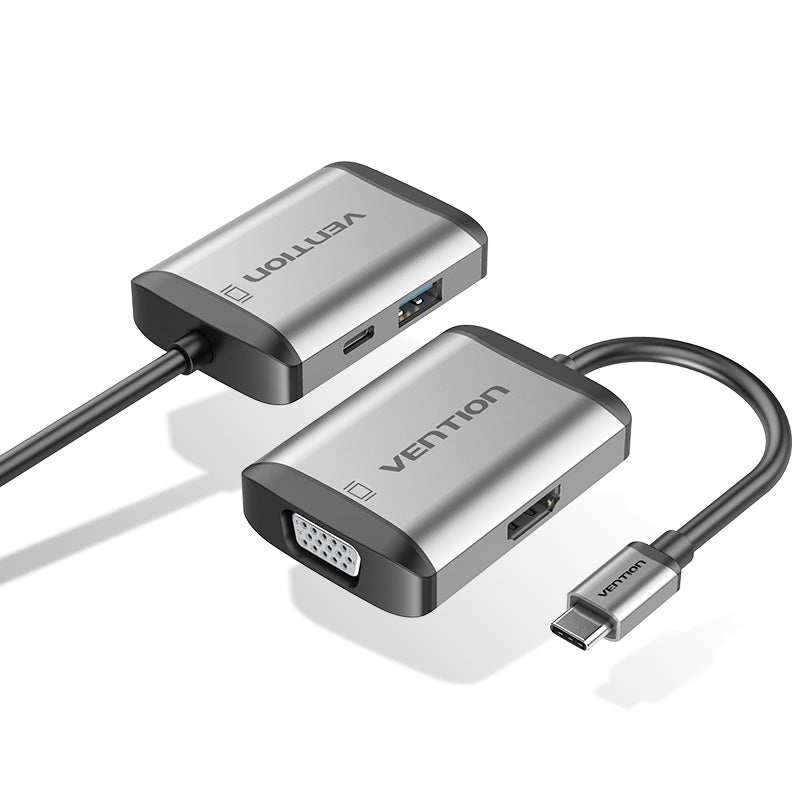
Versus USB-C Hubs: Multi-function hubs offer HDMI output plus additional ports (USB-A, SD card readers, Ethernet) at 2-3 times the cost. Choose the Vention adapter if you specifically need HDMI connectivity without requiring extra ports. Select a hub if you regularly need multiple connection types simultaneously.
Versus Premium Adapters: High-end adapters with aluminum construction and braided cables cost 50-100% more than this Vention model. Performance differences remain minimal for typical office and home use. Premium options justify their cost primarily through enhanced durability and aesthetics rather than superior video quality.



 No products in the cart.