Vention DP to HDMI Converter 0.15M — Black (HBGBB)
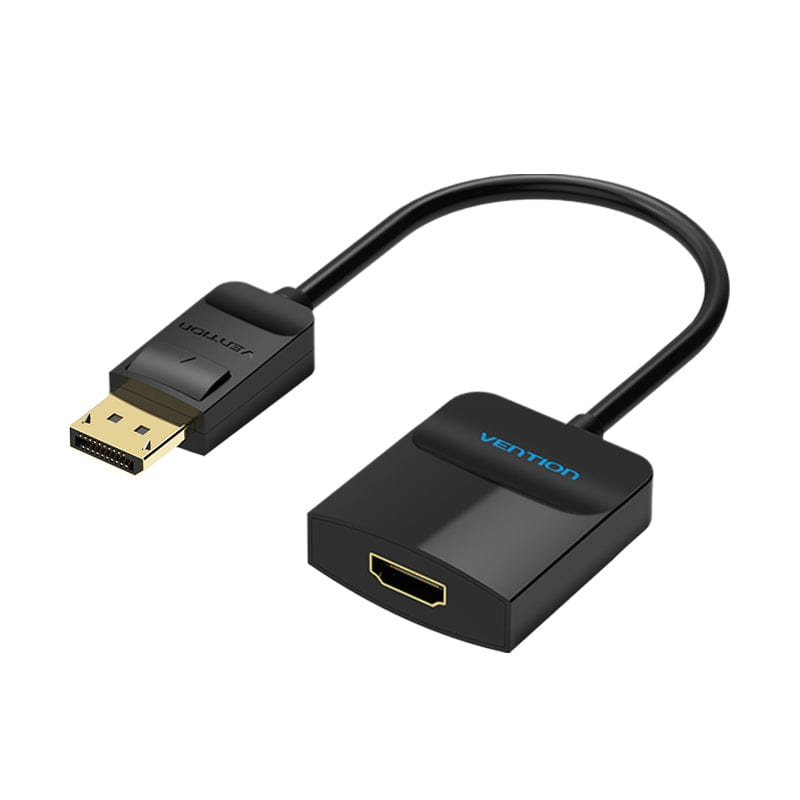
The Vention HBGBB is a compact, passive DisplayPort-to-HDMI converter that connects a desktop PC, workstation, or laptop with a DisplayPort output directly to any HDMI-enabled monitor, TV, or projector. At 15cm long, it functions as a stub adapter that sits flush at the port without cable clutter — ideal for desk setups, AV racks, and travel bags where tidiness matters. It supports up to 1080p @ 60Hz with synchronised audio, requires no external power, and works immediately on Windows, macOS, and Linux without driver installation.
DisplayPort is standard on most desktop graphics cards and business laptops, while the majority of consumer displays — TVs, projectors, and many external monitors — accept only HDMI. The Vention HBGBB bridges this gap cleanly. Its passive design converts the DisplayPort signal electronically without compression or quality loss, delivering a stable, flicker-free Full HD picture on the connected screen. The short 0.15m pigtail length keeps the adapter close to the source port, preventing the leverage stress on the connector that longer adapters can cause over time.
Technical Specifications
Signal & Video
- Converter type: Passive (unidirectional — DisplayPort source to HDMI display only)
- Input connector: DisplayPort Male (DP 1.2 compatible)
- Output connector: HDMI A Female
- Maximum resolution: 1920 × 1080 (1080p) @ 60Hz
- Also supports: 1080i, 720p, 576p, 480p
- Display modes: Mirror and extend (set via OS display settings)
- Signal direction: DisplayPort → HDMI only — cannot convert HDMI signal to DisplayPort
Audio
- Audio pass-through: Yes — synchronised audio and video over HDMI output
- Supported formats: Stereo PCM; multi-channel audio dependent on source device and display capability
Physical
- Cable length: 0.15m / 15cm
- Color: Black
- Housing: Compact molded connector housing
- Connector finish: Gold-plated contacts
Power
- External power required: No — bus-powered from the DisplayPort port on the source device
- USB power cable: Not required
Compatibility
- Source devices: Desktop PCs and workstations with discrete or integrated DisplayPort output; laptops with full-size DisplayPort output; graphics cards (AMD, NVIDIA, Intel) with DP 1.1 or DP 1.2 output
- Display devices: Any HDMI-enabled monitor, TV, or projector
- Operating systems: Windows 7 / 8 / 10 / 11, macOS, Linux — plug-and-play on all
- Note — USB-C and Thunderbolt devices: This adapter uses a full-size DisplayPort male connector. USB-C or Thunderbolt-only laptops (such as recent MacBook Pro and MacBook Air models) require a USB-C to HDMI adapter instead, not this converter.
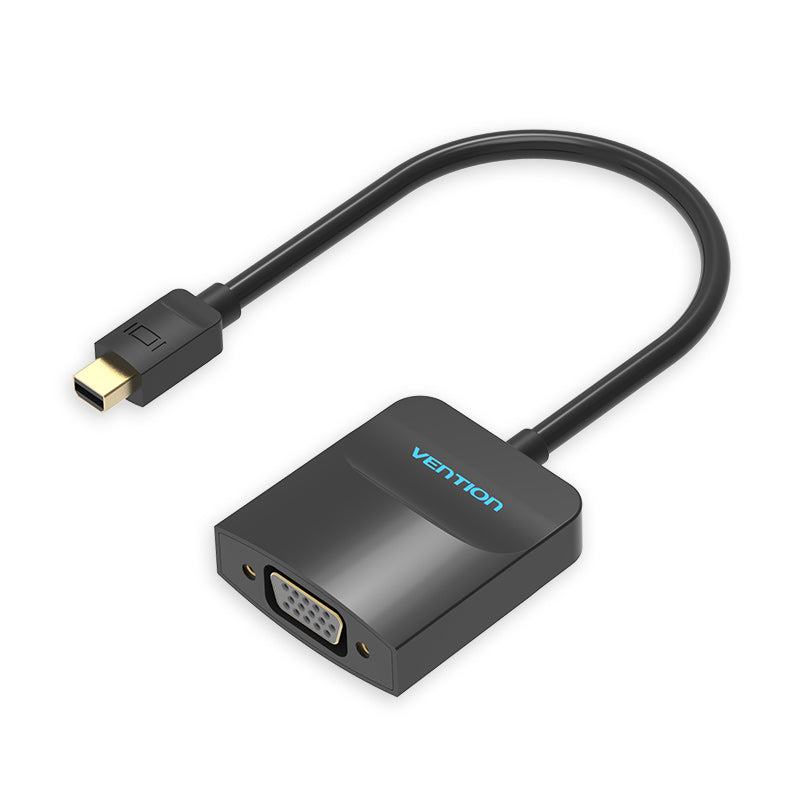
- Note — Mini DisplayPort devices: This adapter is not compatible with Mini DisplayPort (mDP) ports found on older MacBooks, Microsoft Surface, and some workstations. A Mini DP to HDMI adapter is required for those devices.