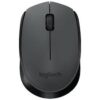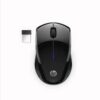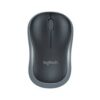
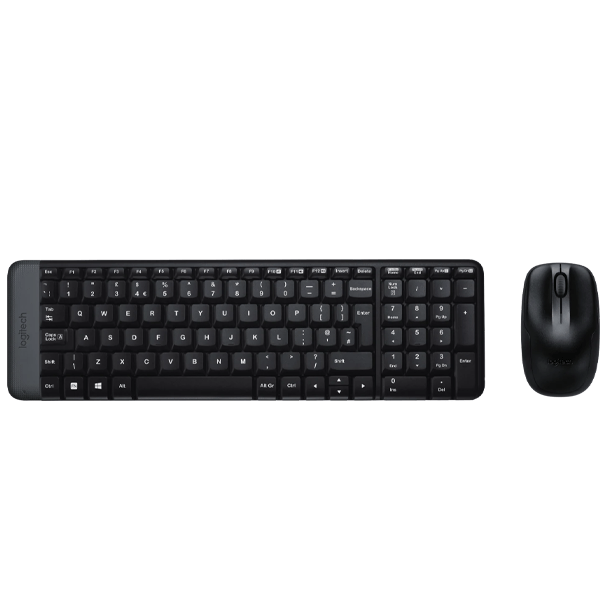
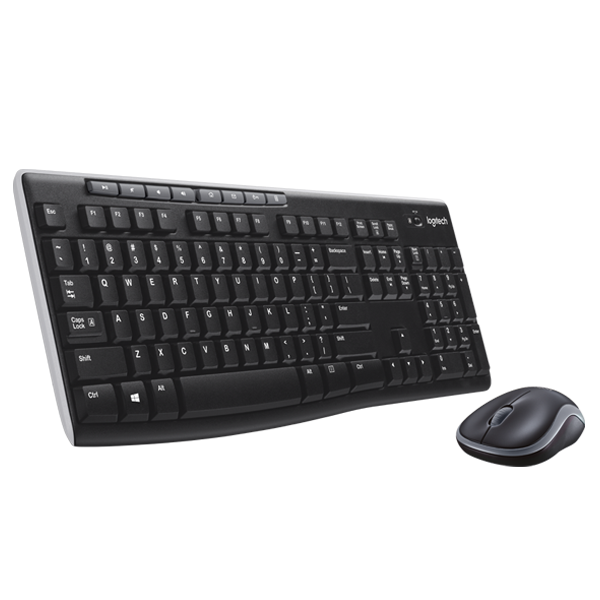
Logitech MK220 Wireless Keyboard & Mouse Combo
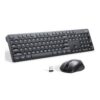
The Logitech MK220 delivers essential wireless input functionality through a matched keyboard and mouse set that shares a single USB receiver. This compact combo provides reliable 2.4GHz connectivity for desktop computing, home office setups, and everyday productivity tasks while minimizing desk clutter and USB port usage. The space-saving design makes it particularly suitable for users with limited workspace or those seeking straightforward wireless performance without advanced features.
Technical Specifications
Connectivity & Compatibility
- Connection Type: 2.4GHz wireless via shared USB nano receiver
- Wireless Range: Up to 10 meters (33 feet) for both devices
- Operating Systems: Windows 10/11, Windows 8, Windows 7, Windows Vista, Windows XP
- USB Requirements: One available USB Type-A port for nano receiver
- Installation: Plug-and-play—no software required for basic operation
Keyboard Specifications
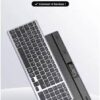
- Keyboard Dimensions: 365.76 mm (L) × 124.65 mm (W) × 18 mm (H)
- Keyboard Weight: 310 grams including batteries
- Layout: Compact full-size layout with numeric keypad
- Key Type: Low-profile membrane keys
- Special Keys: F-keys, multimedia hotkeys, Windows keys
- Number of Keys: 102 keys (US layout)
Mouse Specifications
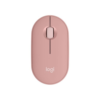
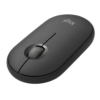
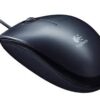
- Mouse Dimensions: 99 mm (L) × 60 mm (W) × 38.4 mm (H)
- Mouse Weight: 75.5 grams including battery
- Design: Ambidextrous contoured shape
- Sensor Type: Optical tracking technology
- Tracking Resolution: 1000 DPI
- Button Configuration: 3 buttons (left, right, scroll wheel click)
Power Management
- Keyboard Battery: 2 × AAA batteries (included)
- Keyboard Battery Life: Up to 24 months under typical usage
- Mouse Battery: 1 × AA battery (included)
- Mouse Battery Life: Up to 5 months under typical usage
- Power Switches: On/off switches on both devices for battery conservation
- Auto-Sleep: Both devices enter power-saving mode during inactivity
Use Cases & Applications
Home Office Setups
Remote workers and home office users benefit from the wireless freedom that enables flexible desk arrangements without cable management concerns. The compact keyboard saves valuable desk space in smaller home workspaces while the shared receiver simplifies connectivity.
Budget-Conscious Deployments
Organizations equipping multiple workstations for basic computing tasks find the MK220 provides essential wireless functionality at an economical price point. The extended keyboard battery life reduces ongoing maintenance requirements across fleet deployments.
Secondary Workstations
Users setting up guest computers, secondary desks, or family shared workstations appreciate the straightforward plug-and-play setup that requires minimal technical knowledge. Additionally, the compact design fits comfortably in smaller desk areas or temporary workspace arrangements.
Student and Educational Use
Students working on assignments, research projects, and online coursework gain wireless flexibility for dorm rooms, shared study spaces, and library computer stations where cable management proves impractical.
Media Center and Living Room Computing
The wireless range allows comfortable operation from across the room when browsing content, managing media libraries, or performing light computing tasks on entertainment PCs connected to televisions.
Replacement for Wired Peripherals
Users upgrading from wired keyboards and mice gain desk space and cable management benefits while maintaining familiar full-size keyboard layouts and traditional mouse form factors that require no adaptation period.
Small Desk Environments
The compact keyboard design proves particularly valuable in cramped workspaces, corner desks, or minimalist setups where standard full-size keyboards would dominate available surface area. Moreover, the wireless operation eliminates cable clutter that further reduces usable workspace.
The ambidextrous mouse design accommodates both left-handed and right-handed users, making the MK220 suitable for shared computer environments or households with multiple users. The optical sensor delivers consistent tracking on most desk surfaces, though a mouse pad can enhance precision on glass or highly reflective materials.
The Logitech MK220 prioritizes essential wireless functionality and space efficiency over advanced features like programmable keys, adjustable DPI settings, or backlit keyboards. This straightforward approach makes it appropriate for users seeking reliable everyday performance without complexity or premium pricing.











































































![Zkteco SpeedFace-V5L [TD] Face and Palm Recognition Recognition Terminal](https://www.proftech.co.ke/wp-content/uploads/2025/06/Zkteco-SpeedFace-V5L-TD-Face-and-Palm-Recognition-Recognition-Terminal-100x100.jpg)