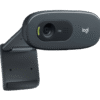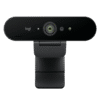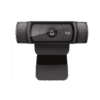
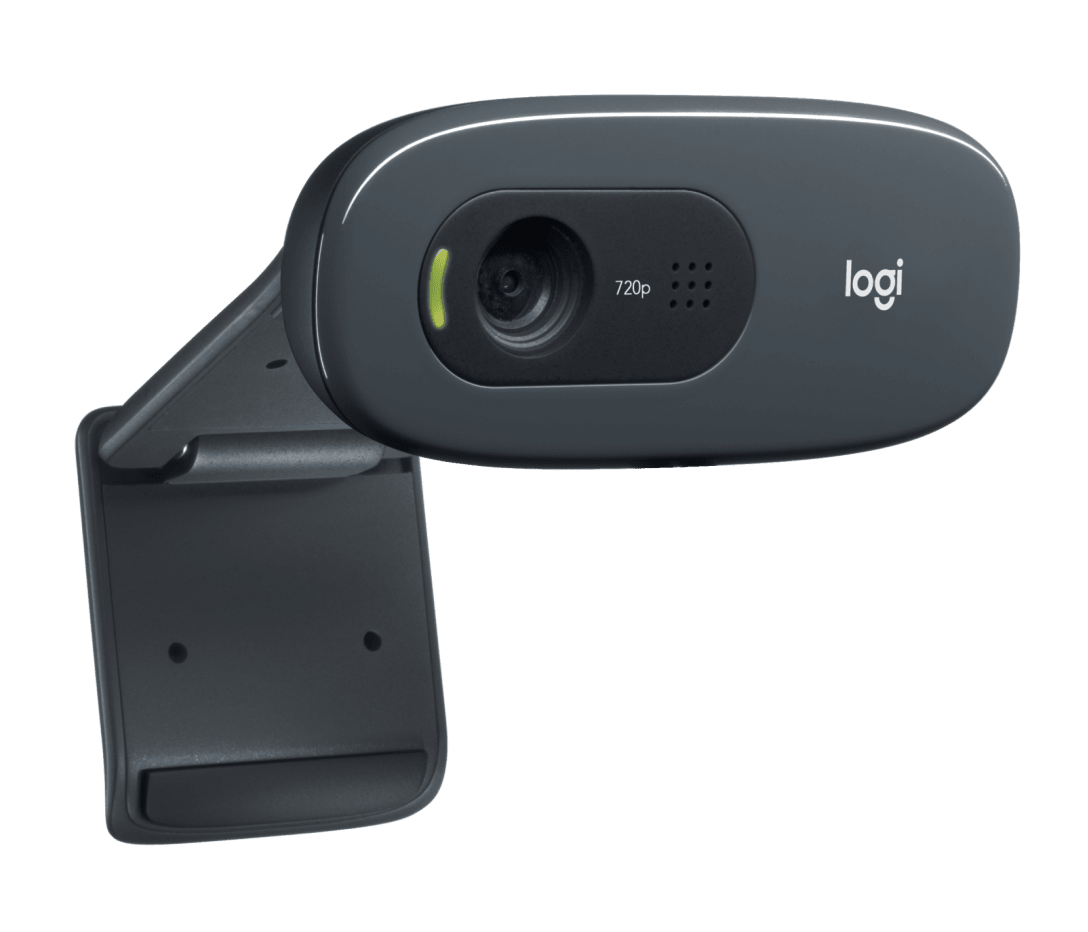
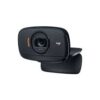
Logitech C270 HD Webcam – USB
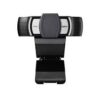
The Logitech C270 HD Webcam provides essential video calling capabilities for home offices, remote learning environments, and personal communication. This USB-connected camera delivers 720p HD video quality through a simple plug-and-play setup that works across Windows, macOS, and Chrome OS platforms. Built for users seeking reliable video performance without complex configuration, the C270 offers a practical solution for everyday video conferencing and content recording needs.
Technical Specifications
Video Performance
- Maximum Resolution: 1280 x 720 pixels (HD 720p) at 30 frames per second
- Video Capture: Up to 3 megapixels (still images)
- Field of View: 60 degrees diagonal
- Focus Type: Fixed focus – optimized for 50 cm to infinity
- Light Correction: Automatic light adjustment technology
- Video Format: H.264 compression
Audio Capabilities
- Microphone Type: Built-in mono microphone
- Noise Reduction: Digital noise reduction processing
- Audio Capture Range: Approximately 1 meter effective range
Physical Design
- Dimensions: 70 mm (W) x 32 mm (H) x 60 mm (D)
- Cable Length: 1.5 meters (5 feet) – desk-level positioning
- Weight: 75 grams (2.65 ounces)
- Mounting: Universal clip for displays 13-38mm thick
- Tripod Mount: Standard 1/4-inch thread
Connectivity & Compatibility
- Connection: USB 2.0 Type-A connector
- Power: USB bus-powered (no external adapter required)
- Operating Systems: Windows 10/11, macOS 10.10+, Chrome OS
- Platform Support: Zoom, Microsoft Teams, Skype, Google Meet, Discord
- Browser Compatibility: Works with WebRTC-enabled browsers
Use Cases & Applications
Remote Work & Video Conferencing
Professionals working from home utilize the C270 for daily team meetings and client presentations. The 720p resolution provides sufficient clarity for facial recognition and gesture communication without consuming excessive bandwidth on slower internet connections. Additionally, the fixed focus design maintains consistent image quality during typical desk-based conversations, eliminating distracting focus adjustments during animated discussions.
Distance Learning & Virtual Classrooms
Students attending online classes benefit from the straightforward setup that doesn’t require technical expertise. The automatic light correction helps maintain visibility during early morning or evening study sessions near windows. Furthermore, the built-in microphone allows participation in class discussions without investing in separate audio equipment, making distance education more accessible.
Family Video Calls & Social Connection
Individuals staying connected with distant family members appreciate the affordable entry point for video communication. The compact design allows elderly users or less tech-savvy relatives to position the camera easily without complicated adjustments. The C270 also works reliably across popular consumer platforms like Skype and FaceTime (via third-party apps on macOS).
Content Creation & Streaming
Beginning content creators and casual streamers use the C270 for entry-level video recording and live streaming. While not suited for professional production, the webcam handles basic vlogs, tutorial recordings, and gameplay commentary adequately. However, creators planning frequent uploads or seeking professional-quality output should consider higher-resolution alternatives as their channels grow.
Small Business & Customer Service
Small businesses conducting virtual consultations or product demonstrations find the C270 provides cost-effective video capabilities. Customer service teams handling visual support tickets can share screen content while maintaining face-to-face interaction. The USB-powered design also simplifies multi-workstation deployments without requiring additional power outlets or IT infrastructure modifications.
Healthcare Telemedicine
Medical practices offering basic telehealth services utilize the C270 for initial patient consultations and follow-up appointments. The webcam meets fundamental visual assessment requirements for non-critical evaluations, though practitioners should note it lacks the resolution necessary for detailed dermatological examinations or fine motor assessment. The straightforward connectivity reduces technical barriers for patients joining appointments from home computers.

















































![Zkteco SpeedFace-V5L [TD] Face and Palm Recognition Recognition Terminal](https://www.proftech.co.ke/wp-content/uploads/2025/06/Zkteco-SpeedFace-V5L-TD-Face-and-Palm-Recognition-Recognition-Terminal-100x100.jpg)