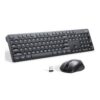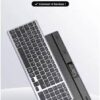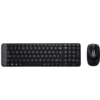
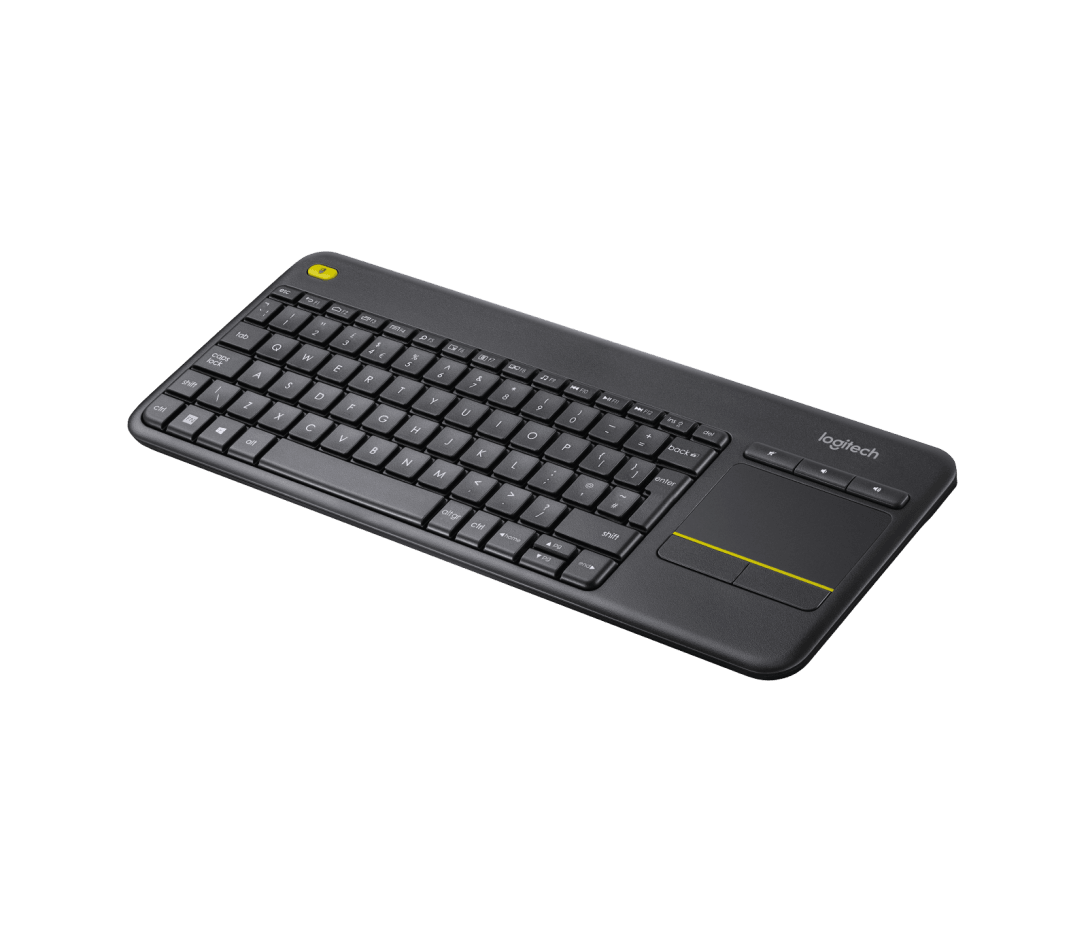
Logitech K400 Plus Wireless Touch Keyboard – Dark
The Logitech K400 Plus combines a full-size wireless keyboard with an integrated touchpad, creating a versatile input solution for living room computing, media center control, and couch-based productivity. This all-in-one device connects via a 2.4GHz USB receiver, eliminating the need for separate mouse hardware while providing comfortable typing and navigation from up to 10 meters away. The dark finish offers a sleek appearance that blends seamlessly with home entertainment systems and smart TV setups.
Technical Specifications
Connectivity & Compatibility
- Connection Type: 2.4GHz wireless via USB nano receiver
- Wireless Range: Up to 10 meters (33 feet)
- Operating Systems: Windows 10/11, Windows 8, Windows 7, Android 5.0 or later, Chrome OS
- Smart TV Compatibility: Compatible with most smart TVs with USB ports
- USB Requirements: Available USB Type-A port for nano receiver
- Receiver Storage: Integrated compartment in battery bay for receiver storage
Physical Dimensions
- Keyboard Dimensions: 354.3 mm (L) × 139.9 mm (W) × 23.5 mm (H)
- Weight: 380 grams including batteries
- Color: Dark (black)
- Layout: Compact full-size layout with integrated touchpad
- Touchpad Size: 3.5-inch (89mm) multi-touch surface
Input Specifications
- Key Type: Low-profile membrane keys
- Touchpad Features: Multi-touch gestures, left/right click buttons
- Special Keys: Dedicated media controls, volume adjustment, playback controls
- Function Keys: Standard F1-F12 function row
- Windows Keys: Windows shortcut keys included
Power Management
- Battery Type: 2 × AA batteries (included)
- Battery Life: Up to 18 months under typical usage conditions
- Power Switch: On/off switch for battery conservation when not in use
- Auto-Sleep: Enters power-saving mode during inactivity
- Battery Indicator: LED indicator for battery status and connectivity
Use Cases & Applications
Home Theater and Media Center Control
The K400 Plus excels as a primary input device for HTPC setups, Kodi media centers, and Plex servers. Users can browse content libraries, enter search queries, and control playback from comfortable seating positions without switching between keyboard and mouse devices.
Smart TV Navigation
Modern smart TVs running Android TV, webOS, or other platforms benefit from full keyboard input for searching streaming services, entering login credentials, and browsing web-based content. The touchpad provides more precise navigation than traditional remote controls when accessing complex menus.
Casual Couch Computing
Users performing light productivity tasks, social media browsing, email checking, or online shopping from living room seating find the integrated touchpad eliminates the need for coffee table mouse space or awkward lap-based mouse surfaces.
Presentation Control
Presenters delivering content from connected PCs or laptops to projectors and displays can navigate slides, control media playback, and make real-time adjustments from anywhere in the room without returning to the computer.
Gaming Console Web Browsers
PlayStation, Xbox, and other gaming consoles with web browser capabilities and USB port support gain significantly improved text input and navigation compared to controller-based typing when accessing online content or game wikis.
Bedroom and Secondary Room Computing
Users with desktop PCs or media devices in bedrooms, guest rooms, or workshops appreciate the wireless freedom that allows comfortable operation from bed or across the room without cable constraints.
Kiosk and Digital Signage Management
IT administrators managing digital signage displays, information kiosks, or public-facing screens can perform system updates, content management, and troubleshooting from convenient positions without disturbing display arrangements.
The compact layout saves space compared to full-size keyboards while maintaining essential keys for productive typing. Additionally, the touchpad supports common multi-touch gestures including two-finger scrolling for document and webpage navigation, though gesture support varies depending on operating system and application compatibility.
The Logitech K400 Plus represents a practical solution for scenarios where traditional keyboard-and-mouse setups prove impractical due to distance from the screen, seating arrangements, or space constraints. The combination of wireless connectivity, integrated pointing device, and media controls addresses the specific challenges of living room computing environments.

























































![Zkteco SpeedFace-V5L [TD] Face and Palm Recognition Recognition Terminal](https://www.proftech.co.ke/wp-content/uploads/2025/06/Zkteco-SpeedFace-V5L-TD-Face-and-Palm-Recognition-Recognition-Terminal-100x100.jpg)