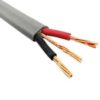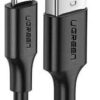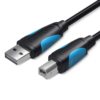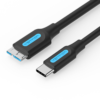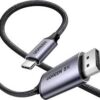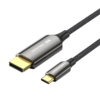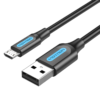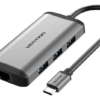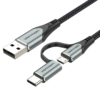
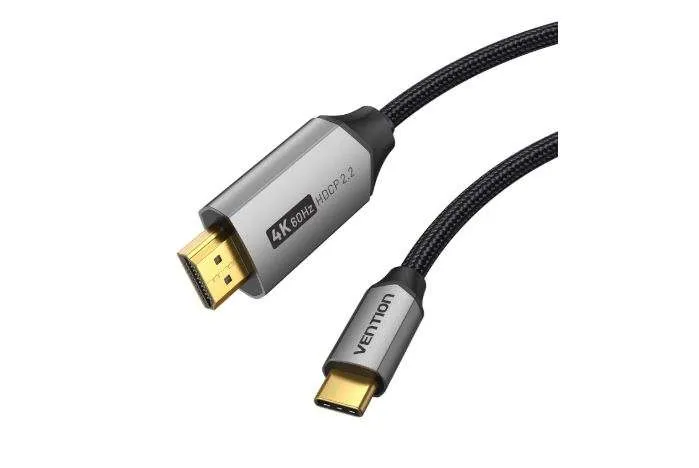
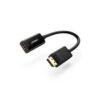
Vention Cotton Braided USB-C to HDMI-A 4K HD Cable 1.8M Gray Aluminum Alloy
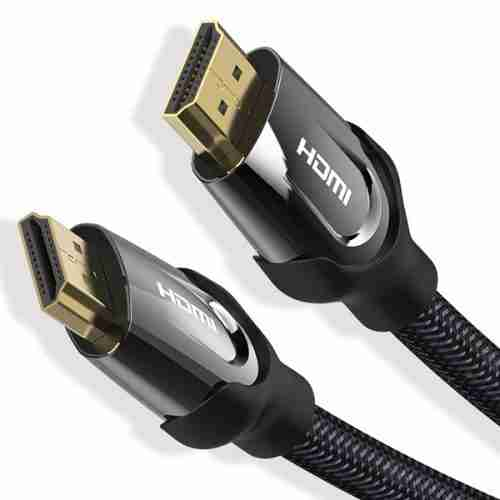
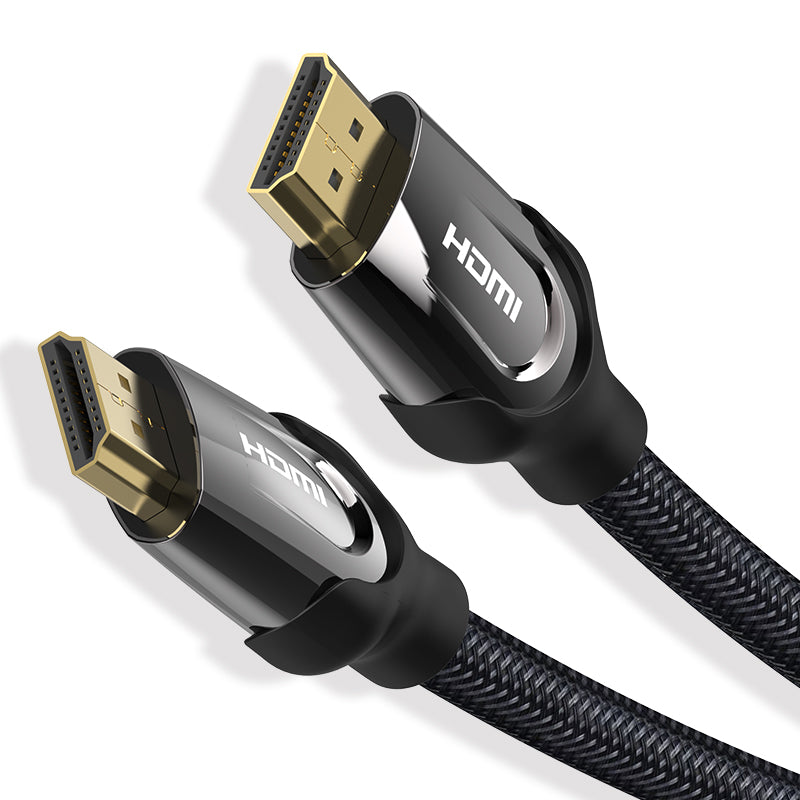
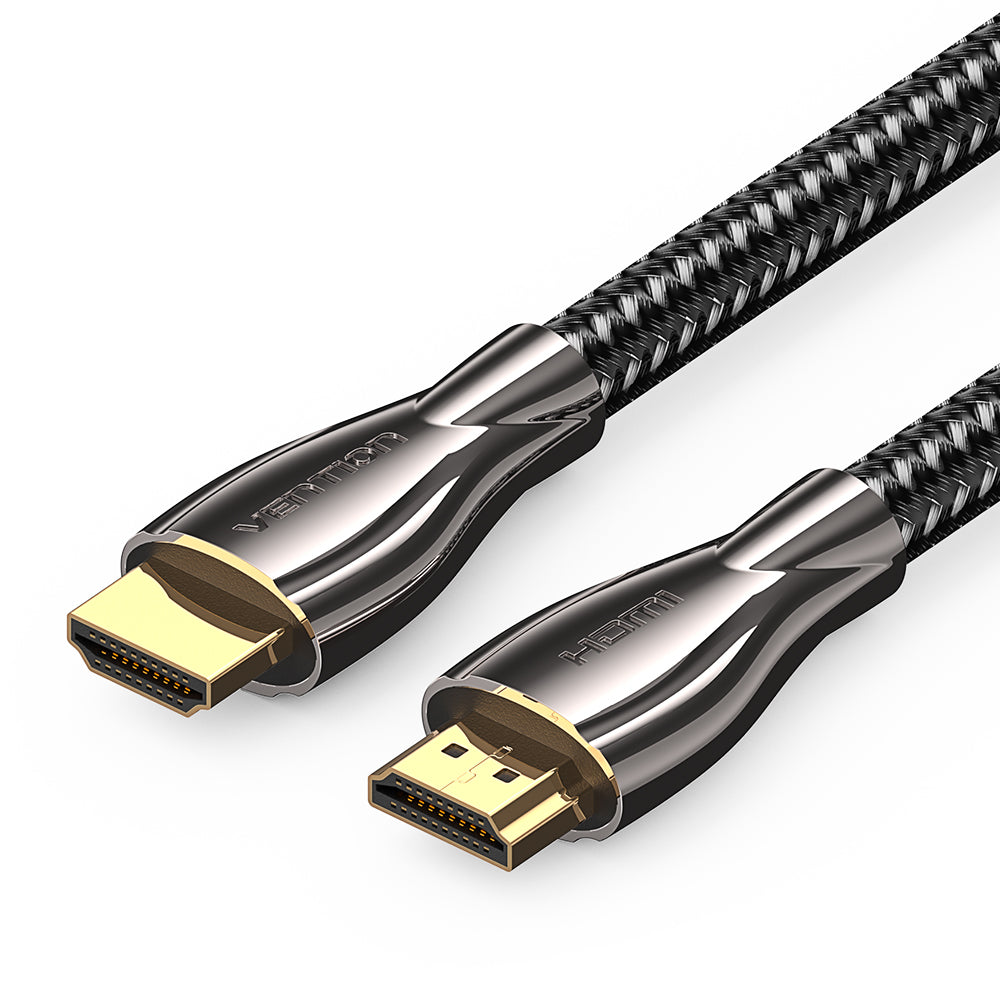
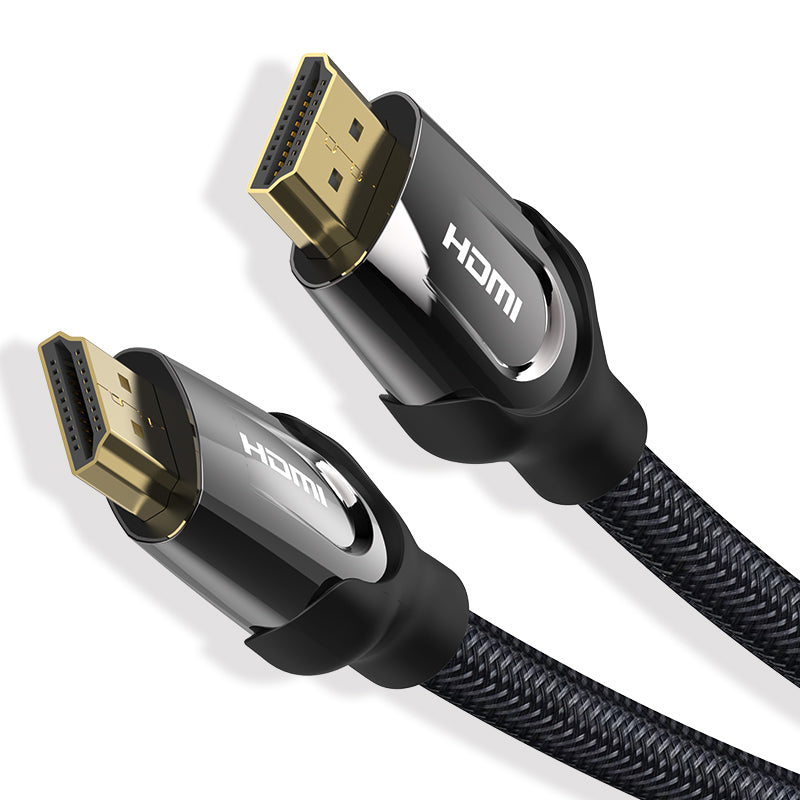
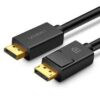
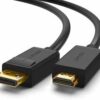
The Vention Cotton Braided USB-C to HDMI Cable 1.8M is a one-and-a-half-metre cable that connects a USB-C output device directly to a standard HDMI display, carrying 4K video and audio over a single connection without an adapter. It features a cotton braided sleeve and aluminum alloy connector housings — a combination that prioritises both tactile quality and connector durability. It targets laptop users, mobile professionals, and content creators who connect a MacBook, iPad Pro, Android device, or USB-C-equipped PC to a monitor, TV, or projector and want a cable that matches a premium desk aesthetic.
Technical Specifications
Connector Types
- Source end: USB-C Male (USB 3.1 / Thunderbolt 3 & 4 compatible)
- Display end: HDMI Male (Type A)
Video Performance
- Maximum resolution: 4K UHD (3840×2160) @ 30Hz
- Also supports: 2K (2560×1440) @ 60Hz, 1080p @ 60Hz, 1080i, 720p
- HDR: Not supported at this specification
- Signal direction: USB-C source → HDMI display (unidirectional)
Audio
- Audio support: Stereo and multi-channel audio pass-through supported
- ARC: Not supported — ARC requires a bidirectional HDMI connection
- eARC: Not supported
Cable & Build
- Length: 1.8 metres (5.9 feet)
- Jacket material: Cotton braided
- Connector housing: Aluminum alloy — Gray finish
- Contact plating: Gold-plated
- Cable type: USB-C Male to HDMI Male (Type A)
Compatibility
Source devices (USB-C with DisplayPort Alt Mode or Thunderbolt):
- MacBook Air and MacBook Pro (USB-C and Thunderbolt models)
- iPad Pro (USB-C models, 2018 and later)
- iPad Air (USB-C models)
- Samsung Galaxy laptops and tablets with USB-C video output
- Dell, HP, Lenovo, and ASUS laptops with USB-C DisplayPort Alt Mode
- Android smartphones with USB-C video output support
Display devices:
- TVs, monitors, and projectors with standard HDMI Type A input
Note: The source device must support DisplayPort Alt Mode or Thunderbolt over USB-C for video output. USB-C charging ports and data-only USB-C ports do not output video. Check your device’s specification sheet to confirm USB-C video output support.
















































































![Zkteco SpeedFace-V5L [TD] Face and Palm Recognition Recognition Terminal](https://www.proftech.co.ke/wp-content/uploads/2025/06/Zkteco-SpeedFace-V5L-TD-Face-and-Palm-Recognition-Recognition-Terminal-100x100.jpg)